1
Find a piece
Filter by garment type. The badge shows how many are in stock.
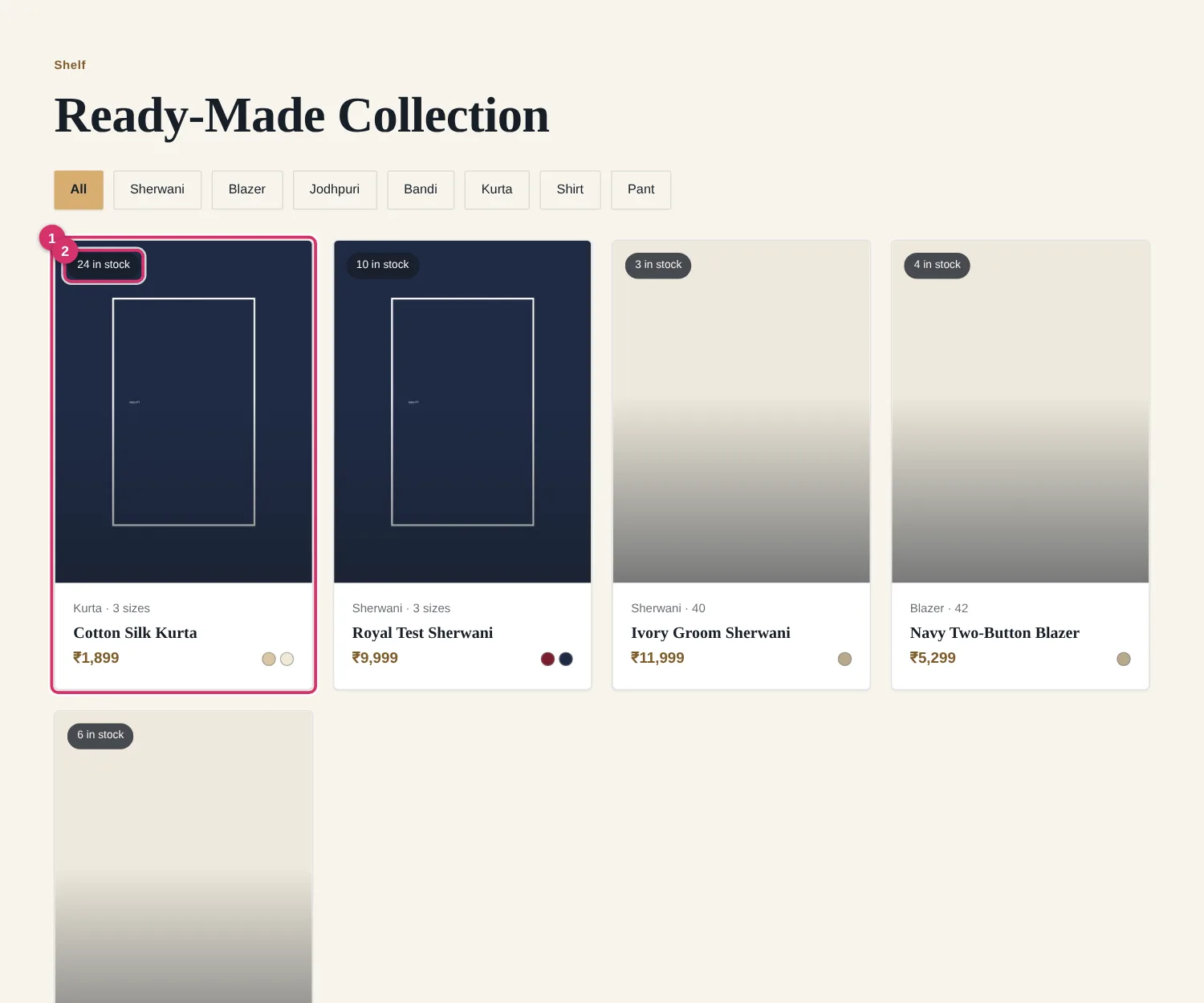
- 1 Tap a piece to open it
- 2 Stock left
Browse the shelf, add to cart, check out with UPI or cash on delivery.
Filter by garment type. The badge shows how many are in stock.
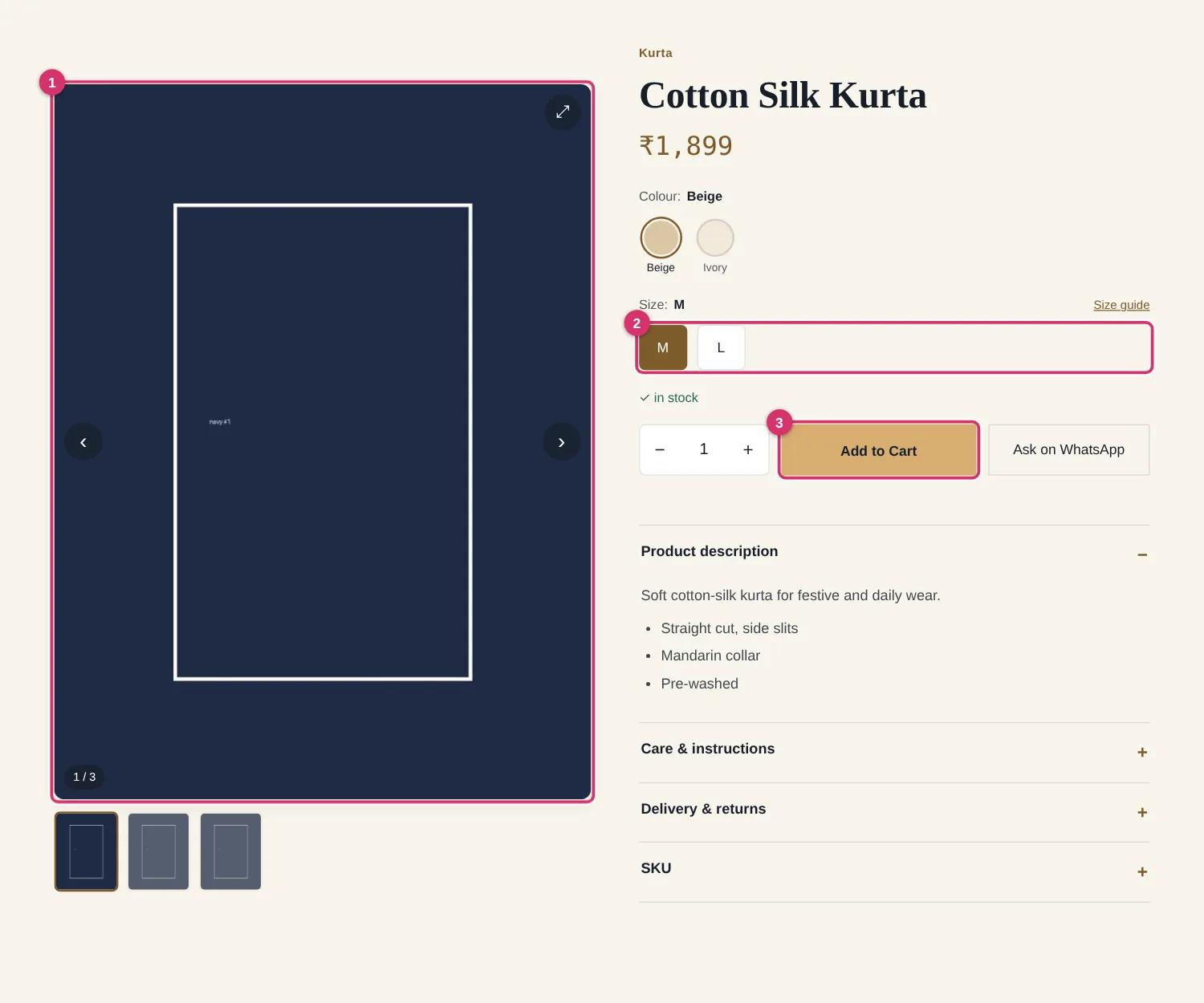
Swipe or tap the photos (tap ⤢ to zoom), choose a colour, then a size — crossed-out sizes are out of stock. Read the description and care instructions below, then add to cart. The cart icon at the top shows how many items you have.
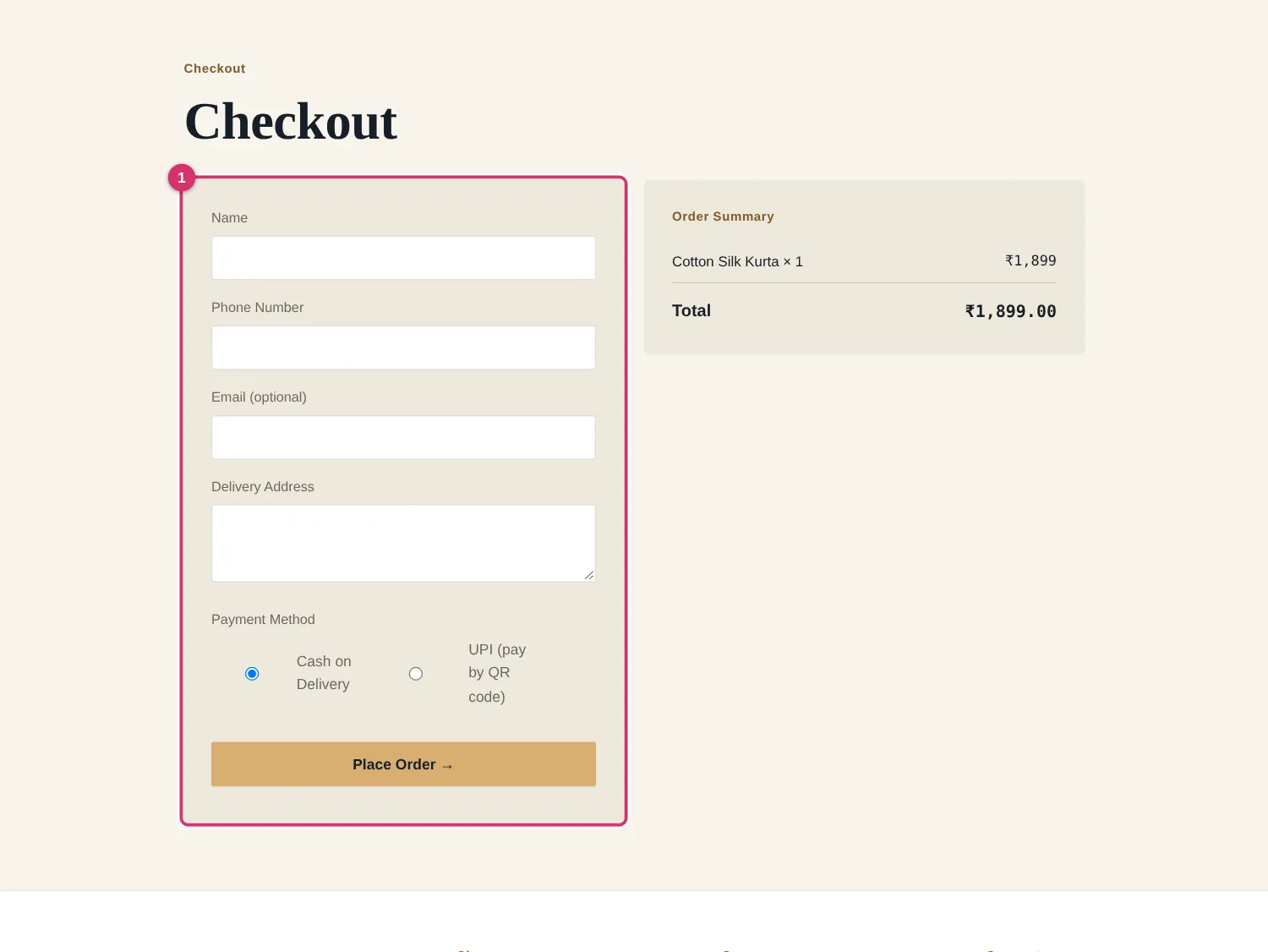
Enter your delivery details and pick UPI or cash on delivery. After ordering you see a confirmation with a UPI QR if you chose UPI.